Self-hosted · open source · MIT or Apache-2.0
A self-hosted home assistant you talk to
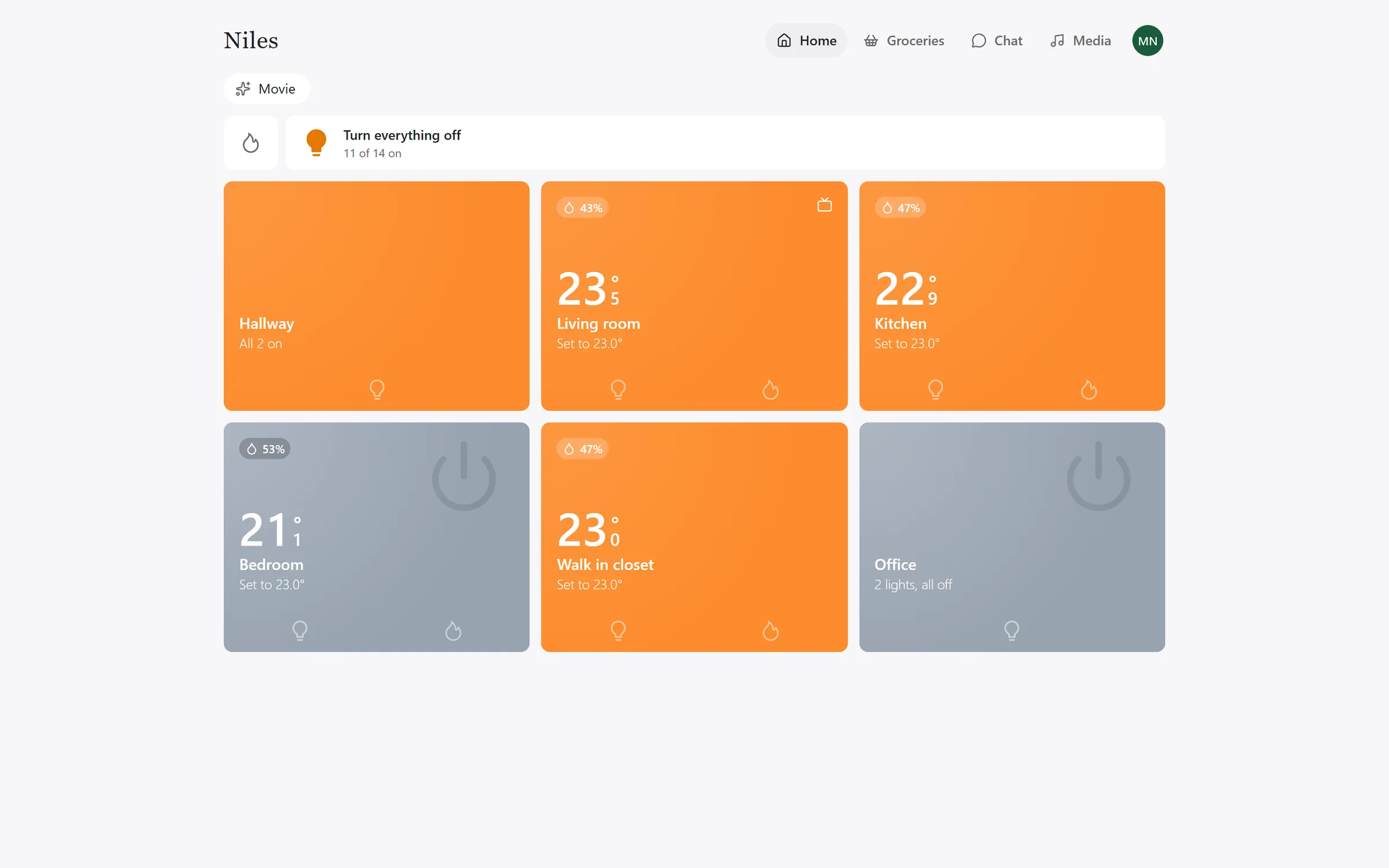
Say "Niles" to the satellite in the room and ask for what you want. Common commands are carried out without a language model. The rest go to a fast model with tools, and the bigger jobs to Claude or ChatGPT on your own subscription. What Niles keeps is in your own Postgres.
How a spoken command is answered
Each step runs only when the one before it could not answer. A light switched by voice never waits on a model, a plugin or a cloud call it does not need.
- 01
Heard in the room
The satellite hears "Niles" itself, with a wake word model trained for that one word. Nothing streams until it is said, and the room's Sonos turns down while Niles listens.
The satellite
- 02
Fixed phrasings first
Lights, blinds, scenes, music, the TV, timers, heating, the weather and the clock are matched by regex and carried out with no language model. The target is about half a second end to end.
Tier 0
- 03
A fast model for the rest
Anything else goes to a fast model (Cerebras by default) with only the tools that request is likely to need. You can say it your own way, and it takes a second or so.
Tier 1
- 04
The assistant for bigger jobs
Making a rule, writing a travel plan or a podcast, or reading a photo goes to Claude Code or ChatGPT on the household's own subscription. It reaches the same tools through Niles's own MCP server.
The assistant
- 05
Answered where you asked
Piper speaks the reply on the satellite that heard you. A reply that ends in a question keeps the microphone open, so you can answer without the wake word.
The satellite
Talking to Niles lists what you can say, and the voice loop follows a command through each tier and the prompt the model gets.
Why Niles says how it is built, what leaves the house, and whether it fits yours.
In the app
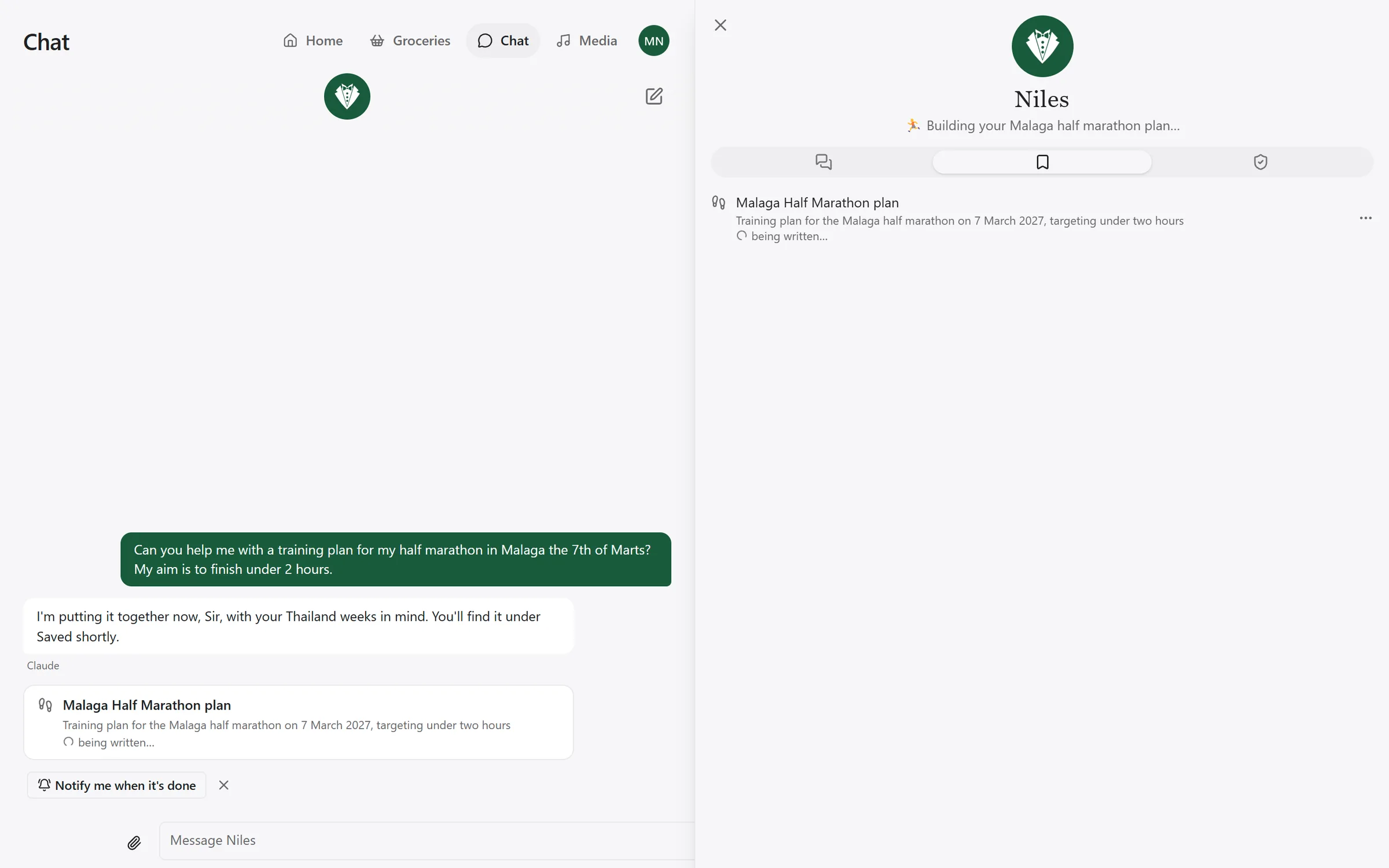
What you say to a satellite is in your chat too, and you can type there instead. Ask for a plan, a trip or a document and the assistant writes it in the background and keeps it under Saved, with every version.
Run it yourself
Niles is one container and a Postgres database, beside the MQTT broker and Zigbee2MQTT you run for your Zigbee devices. It reaches the database through NILES_DATABASE_URL and seals the keys you type into the app with NILES_SECRET_KEY. The first start also needs the broker's login and the ElevenLabs and Cerebras keys. Everything else is set in the app.
Docker Compose
On one Linux machine. Compose runs Niles and its Postgres; your broker and Zigbee2MQTT stay where they are.
git clone https://github.com/MarkNygaard/niles
cd niles/deploy/compose
cp .env.example .env
# In .env: the database password, the secrets key,
#   the broker's login and the two API keys
# In niles.toml: your MQTT broker's address

docker compose up -dKubernetes
With the Kustomize manifests in the repository, and a Postgres you already run.
git clone https://github.com/MarkNygaard/niles
cd niles
cp -r deploy/kustomize/overlays/dev deploy/kustomize/overlays/home
# In overlays/home: the broker's address in niles.toml,
#   and the namespace and image tag in kustomization.yaml

kubectl create namespace niles
kubectl create secret generic niles-secrets \
  --namespace niles \
  --from-literal=database-url='postgres://niles:...@postgres:5432/niles' \
  --from-literal=secret-key="$(openssl rand -base64 32)" \
  --from-literal=mqtt-username='...' \
  --from-literal=mqtt-password='...' \
  --from-literal=elevenlabs-api-key='...' \
  --from-literal=cerebras-api-key='...'

kubectl apply -k deploy/kustomize/overlays/home
The image is ghcr.io/marknygaard/niles, for x86-64 Linux. Pin its tag to choose when you upgrade. Self-hosting covers the first sign-in, backups, the ports and HTTPS for phones.
Its own satellites
A reSpeaker XVF3800 with a XIAO ESP32-S3, running Niles's own ESP-IDF firmware. The XMOS chip cancels echo, so it hears you over music. Every satellite is identical and keeps no room state.
The lighting curve
A brightness and a colour temperature for every minute of the day, applied once a minute to the lights that are on. It never switches a light. One you set yourself is left alone until it goes off and on.
Saved for you
Ask for a packing list, a trip, a training plan for a race or a podcast episode. The assistant writes it, the last 50 versions are kept, and you can share it with someone in the house to view or to edit.
Approvals
Niles never sends a mail by itself. A mail, or a tool set to Ask first, waits as a card in the app until you press Allow once, and what runs is exactly what the card showed.
Automations
"When the garden door has been open for ten minutes, tell me." Say it, or draw it on the Automations page. Rules are stored in Postgres, and a rule that is waiting survives a restart.
Add-ons from GitHub
Anything not built in can be an add-on: a WebAssembly component from a GitHub release. It reaches only the hosts and devices the household approved, and never the database, conversations or other add-ons' passwords.
One house, several people
Niles knows who is speaking from an enrolled voice. Your calendar, mail, workouts and chats are yours. The lights, the scenes and the curve belong to the house.
Chat in the app
The same Niles, typed, on a phone or a computer. Attach a photo or a PDF and the assistant reads it. Spoken turns from your voice show up in your chat too.
No telemetry
Niles sends nothing about you or your use of it to its authors. The security page lists every outside service it does use, and what goes to each.
Built in
Each of these is a crate in the repository, held to its tests. Anything else is an add-on.
- Zigbee2MQTT
- lights, plugs, sensors, switches and blinds, named room/device
- WLED
- LED strips, as a second MQTT source
- Sonos
- music and radio in each room, and Spotify through it
- LG webOS
- TVs over their local websocket, woken by Wake-on-LAN
- tado° and UniFi
- the heating, and who is home
- Microsoft, Google, iCloud
- each person's calendars and mail
- Strava
- each person's workouts, from their own Strava app
- Linear
- issues and projects, through Linear's own MCP server
- SearXNG
- the house's own web search, for the assistant